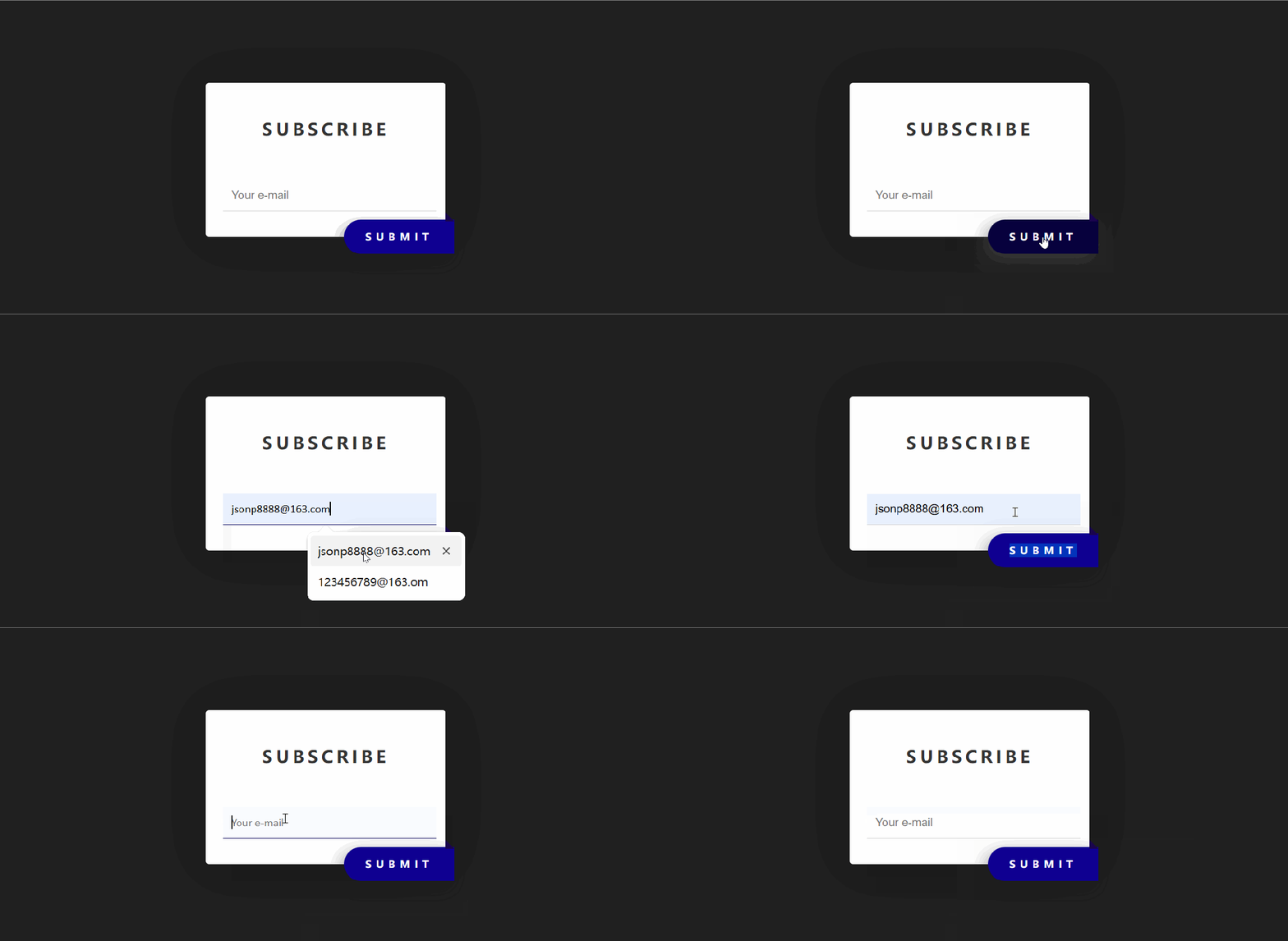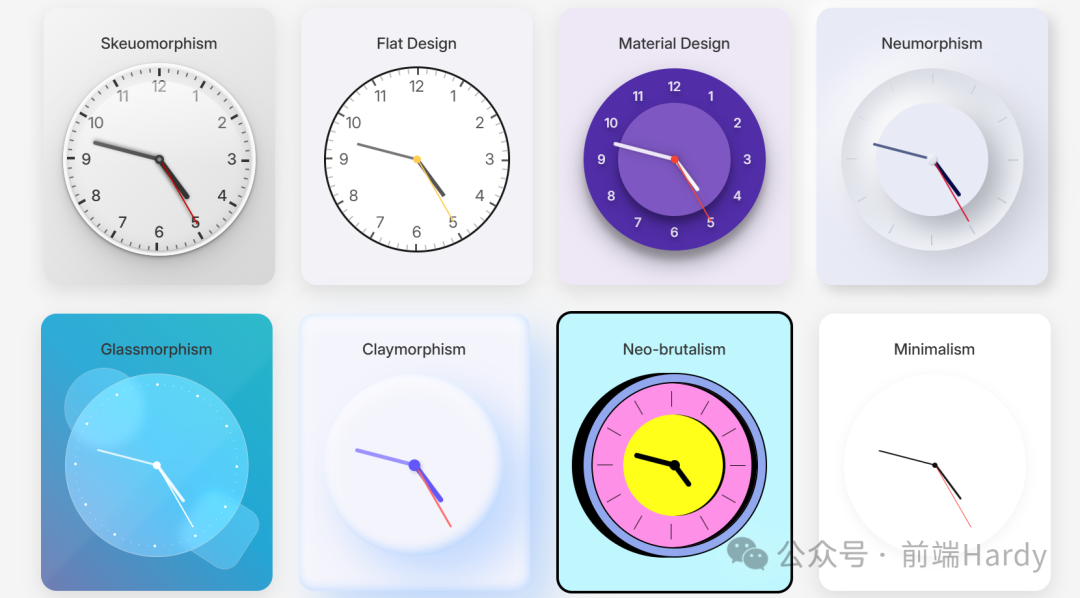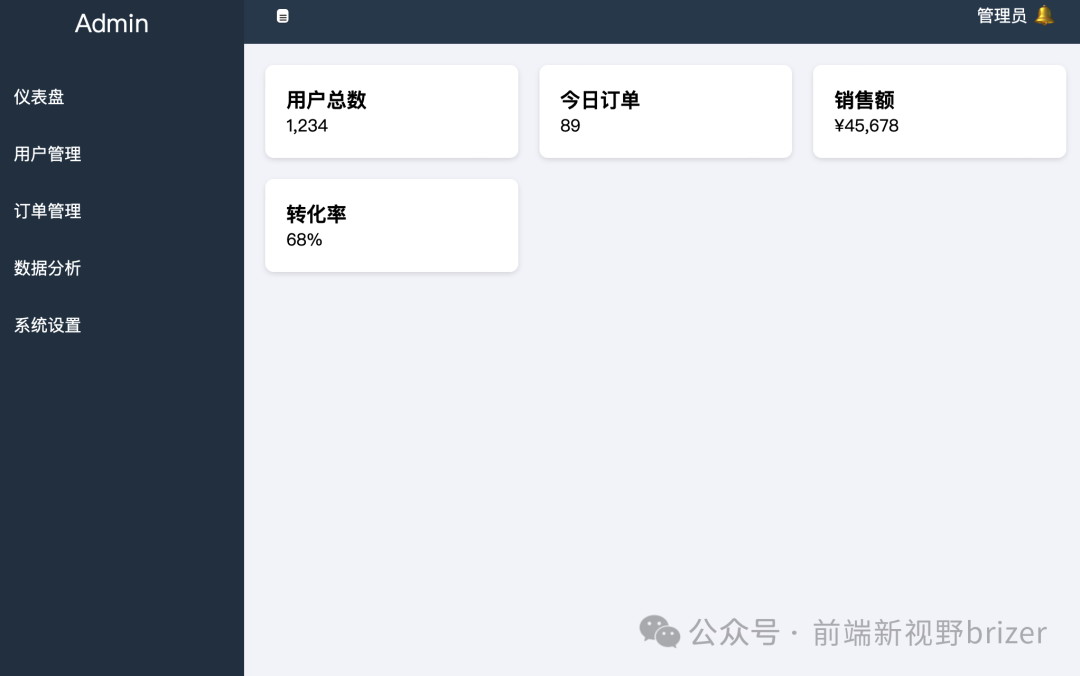
效果展示 
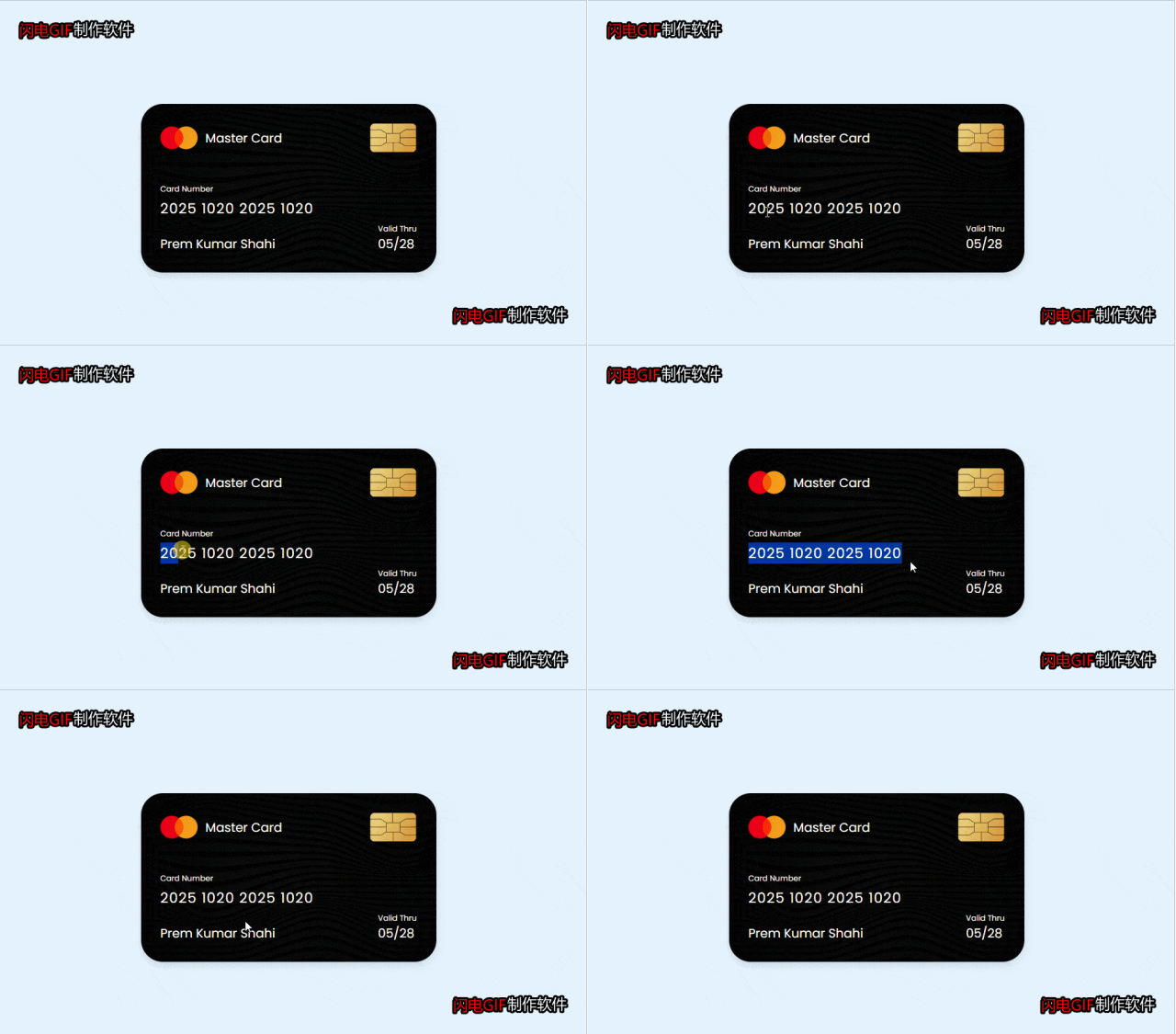
完整源码
<!-- Coding by CodingLab | www.codinglabweb.com--><html lang="en"><head><meta charset="UTF-8" /><meta http-equiv="X-UA-Compatible" content="IE=edge" /><meta name="viewport" content="width=device-width, initial-scale=1.0" /><title>信用卡Ui设计</title><link rel="stylesheet" href="css/style.css" /></head><body><div class="container"><header><span class="logo"><img src="img/logo.png" alt="" /><h5>Master Card</h5></span><img src="img/chip.png" alt="" class="chip"/></header><div class="card-details"><div class="name-number"><h6>Card Number</h6><h5 class="number">2025 1020 2025 1020</h5><h5 class="name">Prem Kumar Shahi</h5></div><div class="valid-date"><h6>Valid Thru</h6><h5>05/28</h5></div></div></div></body></html>
/* Import Google Font - Poppins */@import url("https://fonts.googleapis.com/css2?family=Poppins:wght@300;400;500;600&display=swap");* {margin: 0;padding: 0;box-sizing: border-box;font-family: "Poppins", sans-serif;}body {min-height: 100vh;display: flex;align-items: center;justify-content: center;background: #e3f2fd;}.container {position: relative;background-image: url("../img/bg.png");background-size: cover;padding: 25px;border-radius:28px;max-width: 380px;width: 100%;box-shadow: 0 5px 10px rgba(0, 0, 0, 0.1);}header,.logo{display: flex;align-items: center;justify-content: space-between;}.logo img {width: 48px;margin-right: 10px;}h5 {font-size: 16px;font-weight: 400;color: #fff;}header .chip {width: 60px;}h6 {color: #fff;font-size: 10px;font-weight: 400;}h5.number {margin-top: 4px;font-size: 18px;letter-spacing: 1px;}h5.name {margin-top: 20px;}.container .card-details{margin-top: 40px;display: flex;justify-content: space-between;align-items: flex-end;}